SuperStar Starship注册登录?这游戏最近挺火的,不少人都在问怎么弄个账号。官方版注册确实有点麻烦,不像其他游戏那么直接。大家平时玩游戏都习惯了快捷登录,这玩意儿得先注册个账号才能玩。今天小编给大家整理好了注册登录的步骤,照着操作就行。
SuperStar Starship官方版注册登录教程
1、在本站下载SuperStar Starship游戏,并下载ourPlayAPP(加速器),将SuperStar Starship导入ourPlay中;
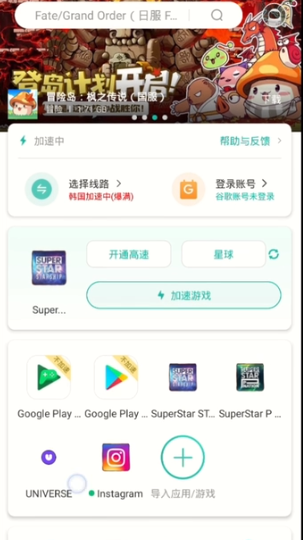
2、点击开始进入游戏;

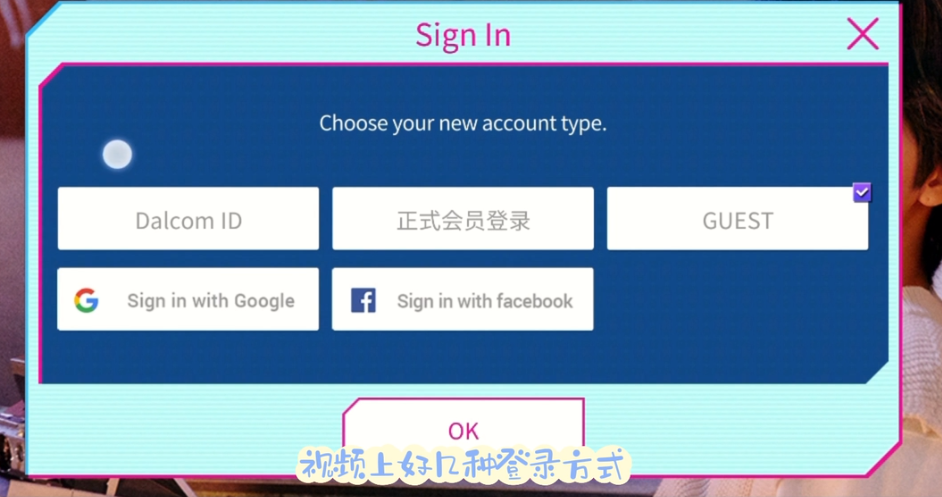
3、这里我们可以看见几种登录方式,选择第一个即可,当然用户有其他相应账号也可以选择其他账号登录;
4、进行注册id、设置密码;
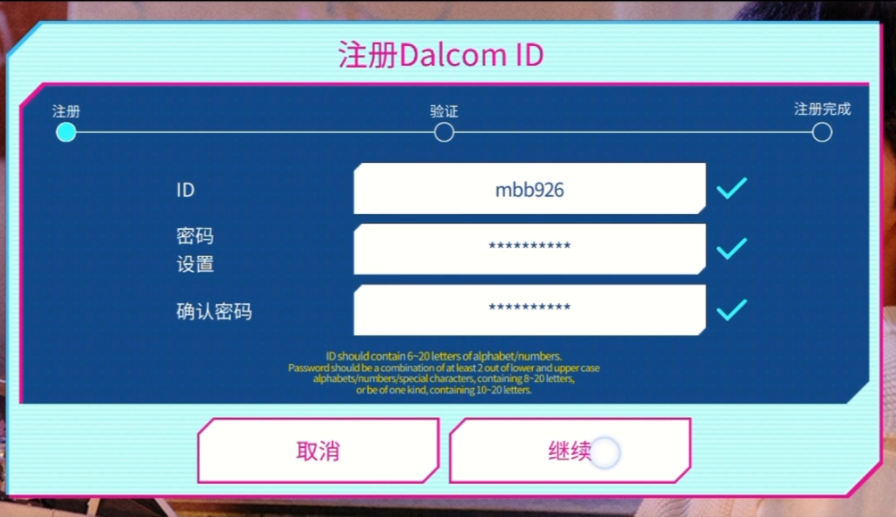
5、最后绑定qq邮箱获得验证码;
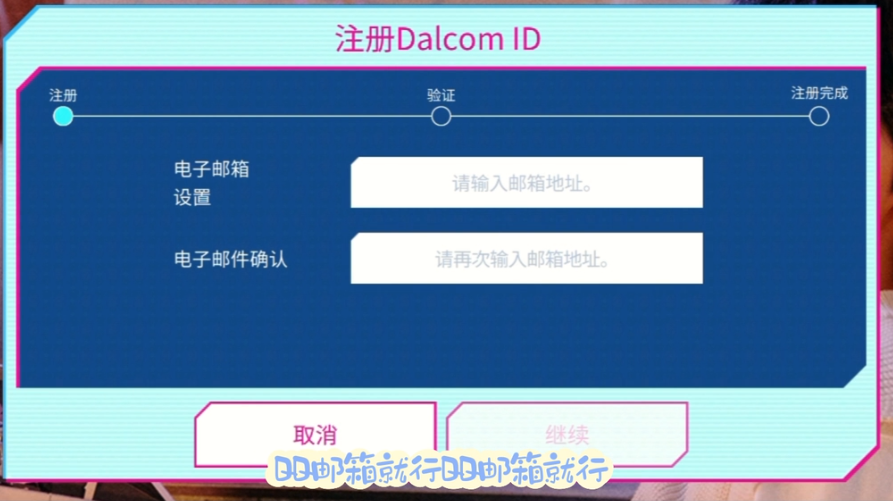
6、之后即可进入游戏;

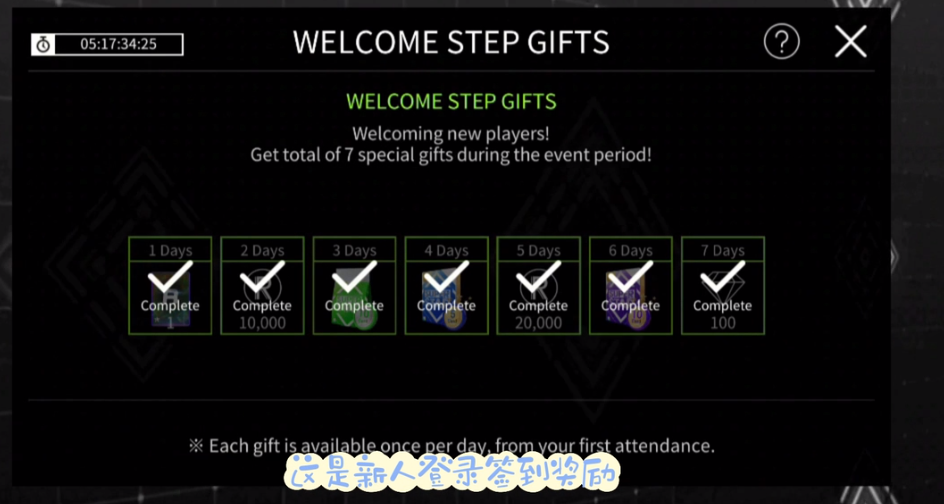
7、同时SuperStar Starship游戏对于新手玩家有福利,签到即可领取。
原文链接:https://www.phxnom.com/yxgl/12463.html,转载请注明出处。